Staff guide
Payments
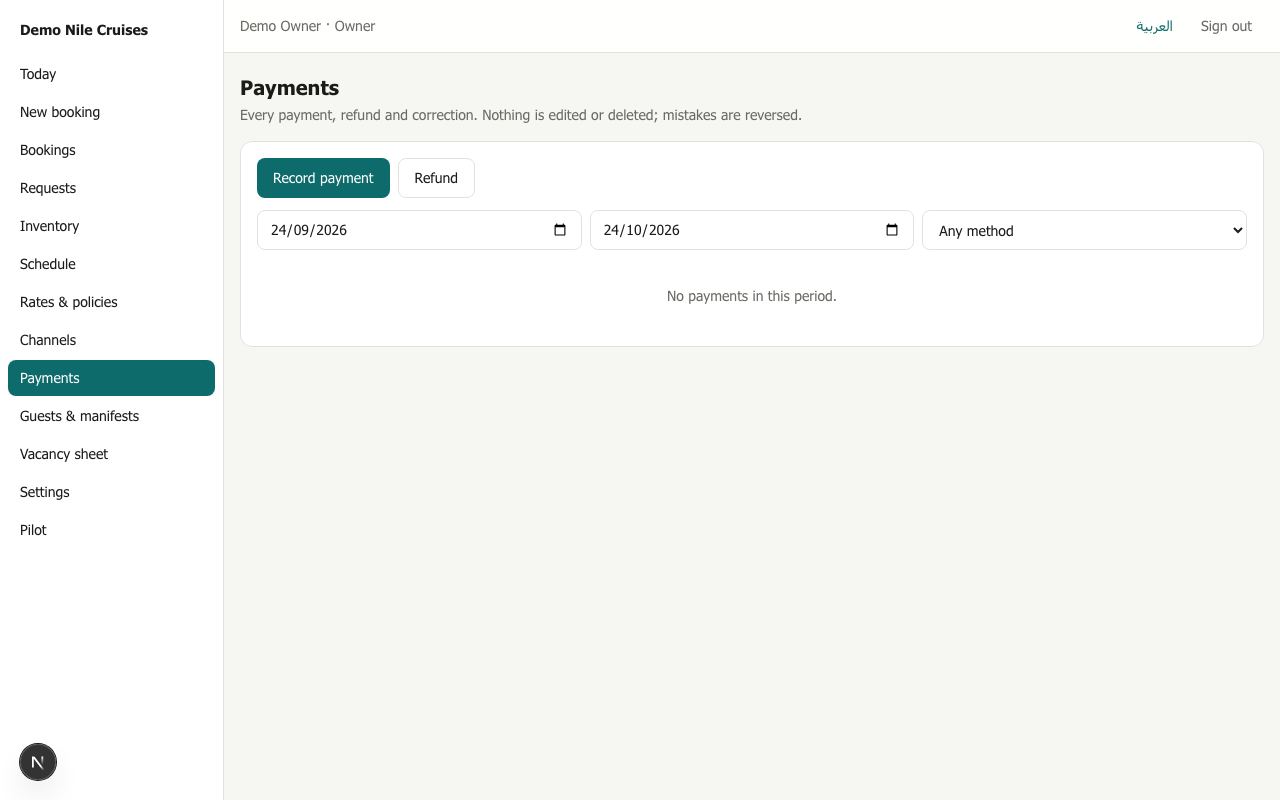
Payments is the ledger of every payment, refund and correction, newest first. Filter it by date and method. Totals per currency and kind appear above the list.
Nothing in the ledger is ever edited or deleted. A mistake is corrected with a reversal, an opposite entry, so the history always shows what happened.
Recording a payment (finance and owners)
Record payment, from here or from the booking:
- Find the booking by its reference (opening it from the booking skips this).
- Choose the kind: deposit, balance or payment.
- Choose the method: bank transfer, cash, card at the office, agency remittance, collected by the channel, or online.
- Enter the amount and currency. If the currency differs from the booking's, enter the exchange rate (1 EUR = ? USD, for example). The booking is credited in its own currency.
- Enter the reference (receipt or transfer number) and the date received.
A direct booking waiting for payment becomes confirmed as soon as the payments reach its deposit. If its hold had already expired and the cabins were sold, the booking becomes paid, cabin unavailable and appears on Today. It is never confirmed without cabins.
Refunds
Refund shows the amount still to refund, which Riverdesk works out from what was paid, minus the cancellation penalty and fees. Enter the amount, the method, the reference and the date.
Reversing a mistake
Reverse on a ledger line adds the opposite entry, with a reason. Use it only for a payment entered by mistake. Money returned to a guest is a refund.