Staff guide
Settings
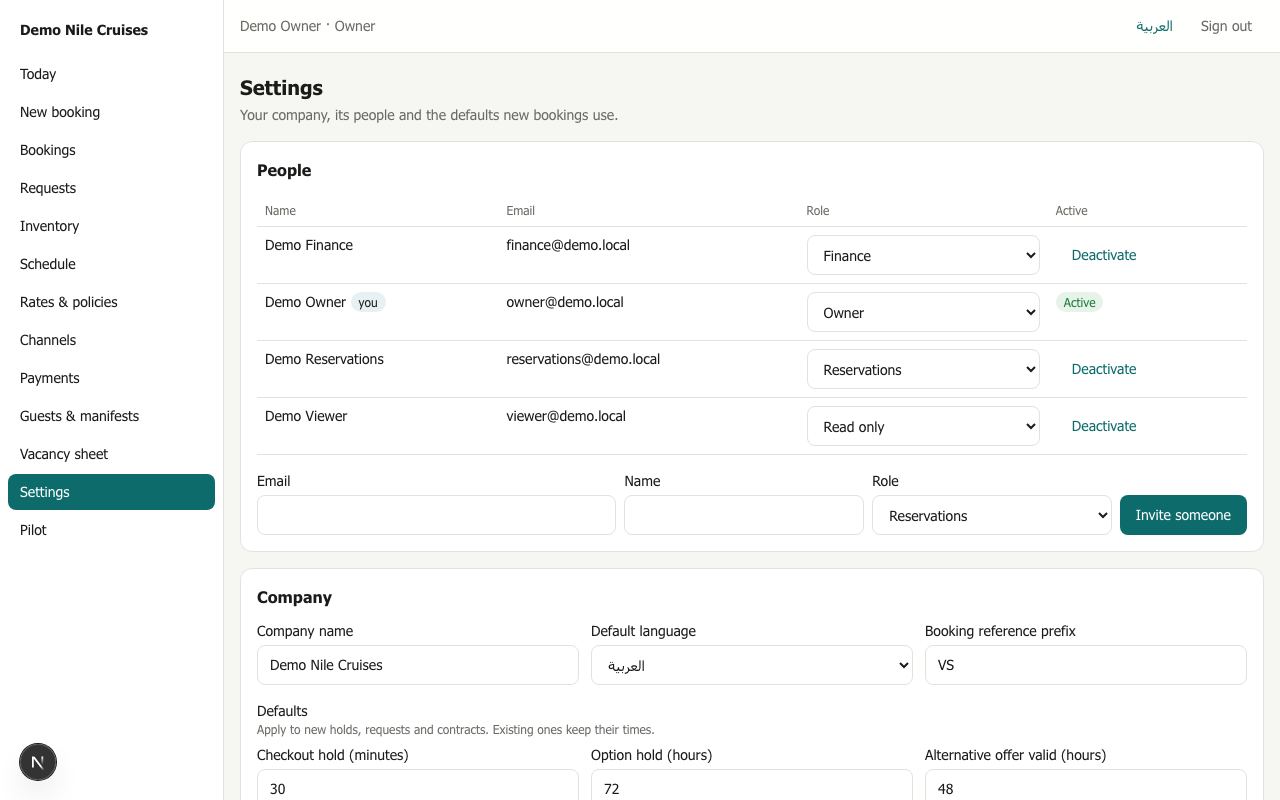
Everyone can read Settings. Only owners can change them.
People
The list of everyone with a login: name, email, role, active or not. Owners can change roles, deactivate and reactivate people, see open invitations and revoke them, and invite someone new. See People and roles.
Company
- Company name and default language.
- Booking reference prefix: the letters at the start of every booking reference. Fixed once bookings exist.
- Defaults: hold times, request deadlines, cabin assignment and allotment release days, passport retention. They are explained in Setting up your company.
- On every voucher: the operations email (for the nightly outage pack), the emergency phone, and the voucher note in English and Arabic.
Every change is recorded with who made it.