Staff guide
Guests and manifests
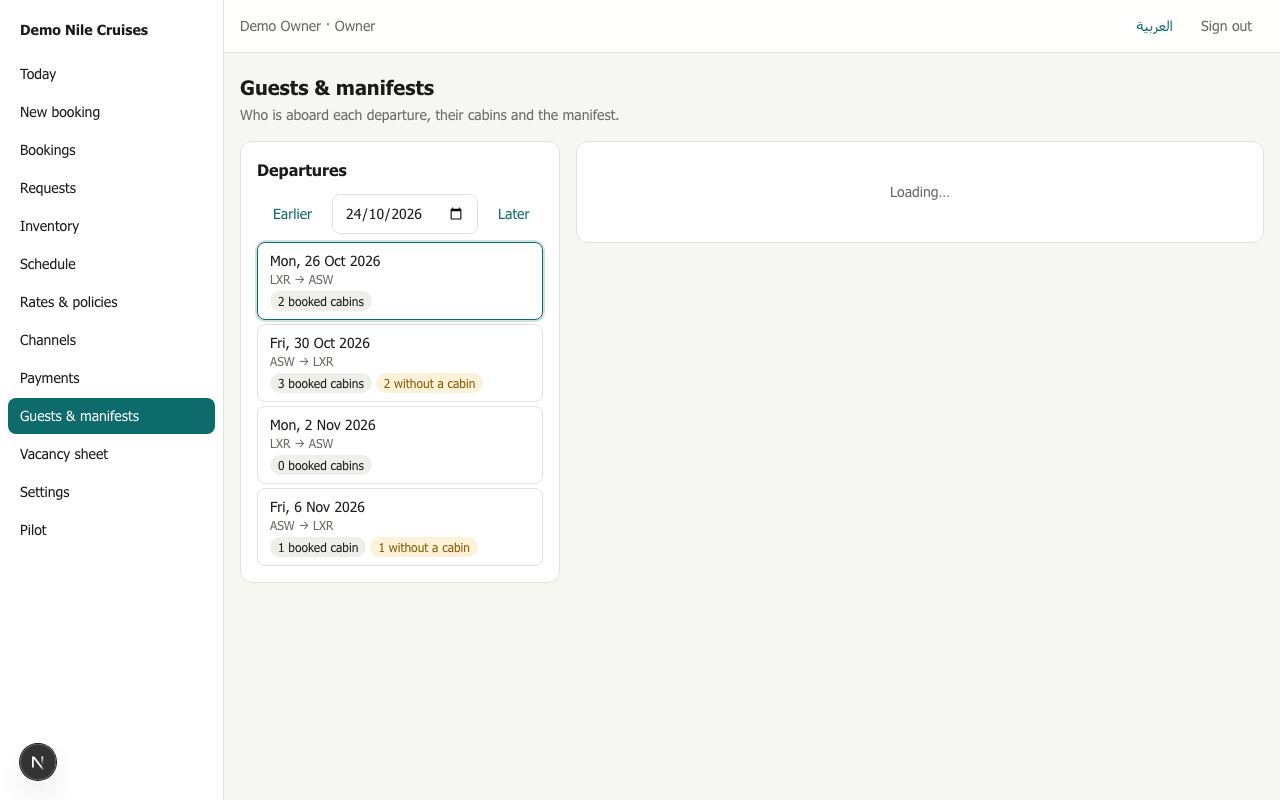
Departures
The list on the left shows each departure in the date window, with how many cabins are booked and how many still have no cabin number. Pick one to see who is aboard: guests of every booking on that departure, including those whose cruise started earlier or ends later.
Cabin numbers
When a booking is made it reserves a category (for example Standard). The physical cabin (for example 101) is chosen later.
- Automatically: every night, departures inside the cut-off (7 days by default) get their cabins. A party keeps the same cabin for the whole cruise whenever possible. Assign cabins now does it at once for the departure you are looking at.
- By hand: Change next to a party lists the cabins that are free for its whole cruise. Pick one, or take the assignment off.
Two parties can never be given the same cabin on the same departure: the system refuses it.
Exports
| Document | Contains | Who can make it |
|---|---|---|
| Manifest (PDF or Excel) | Every guest with cabin, category, nationality, date of birth, passport number, booking and cruise | Owners and reservations. Each download is recorded, and the file is deleted after a day |
| Rooming list (PDF or Excel) | Each cabin with its guests, adults, children, booking and agency. No passports | Owners, reservations and finance |
Choose the language next to the buttons. The file downloads when it is ready, usually in a few seconds.